
Chapter 1
Welcome to Waddle Inn
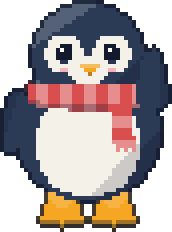
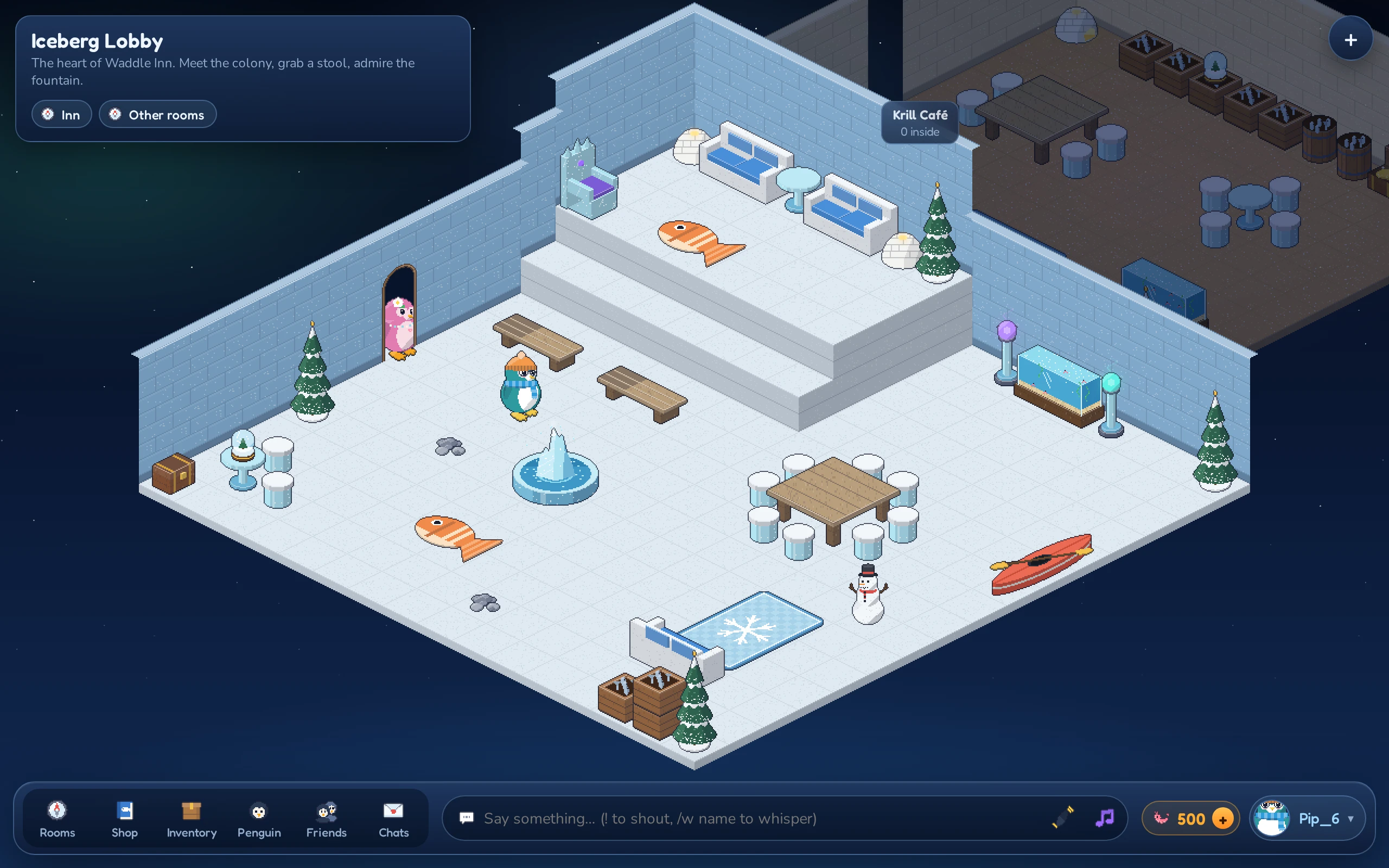
Waddle Inn is a cozy inn in the snow where every guest is a penguin. You hatch your own penguin, waddle through rooms full of other players, chat, collect furniture and build rooms of your own. It all runs in your web browser, so there is nothing to install.
What you can do at the inn
- Make your penguin your own. Pick feather, belly and beak colors, then add a hat, something for the neck and maybe a pair of glasses. Give yourself a motto so others know what you’re about.
- Hang out and chat. Walk around, sit on benches and sofas, talk, shout, whisper, wave and dance.
- Explore rooms. The Inn runs a handful of public rooms, and players open their own rooms to visitors all the time.
- Collect furni. Spend Krill, the inn’s currency, on chairs, lamps, rugs, campfires, hot tubs and dozens of other pieces of furniture (“furni” for short).
- Build your own place. Create up to 25 rooms, decorate them and decide who may come in and who may help you build.
- Make friends. Add penguins as friends, see where they are, follow them into rooms and send them private messages, even while they are offline.
- Trade. Swap furni and Krill with other players in a safe two-step trade.
- Bring your wallets. Link several wallets to one penguin and wear the LUNC Penguin you hold.
- Feel safe. Ignore and report penguins who spoil the fun, and keep order in your own rooms.
Meet the colony
Every penguin looks a little different. Here are a few of the looks you can put together in the penguin editor:
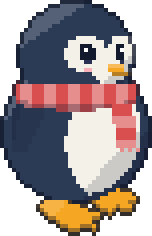 Classic
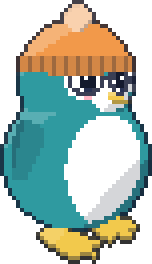 Bookworm
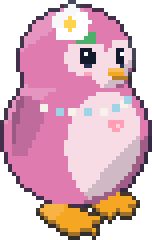 Blossom
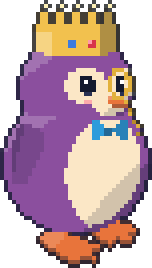 Royalty
 Sailor
 Night owl
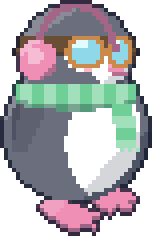 Snow day
What you need
- A recent web browser on a computer or phone. On a computer you play with a mouse (or trackpad) and keyboard; on a phone you tap and swipe.
- Either a crypto wallet for Terra Classic, an EVM network (such as Ethereum) or Solana (a browser extension, or a Terra Classic phone wallet over WalletConnect), or nothing at all if you just want to try the inn as a guest. Chapter 2 explains both ways in.
How this manual is organised
| Chapter | What it covers |
|---|---|
| Getting started | Signing in, hatching your penguin and finding your way around the screen |
| Moving and chatting | Walking, sitting, talking, gestures and meeting other penguins |
| Rooms and the Navigator | Finding rooms, public rooms and rooms with a door policy |
| Krill | The inn’s currency, your daily bonus and how to earn more |
| The Shop and your inventory | Buying furni and keeping track of what you own |
| Your own rooms | Creating rooms, room settings and build rights |
| Building and decorating | Placing, moving, turning and using furni |
| Friends and messages | Friends, following, the Messenger, profiles and badges |
| Mini-games | Games to play with other penguins |
| The Grand Exchange | Selling and buying second-hand furni |
| Moon Isle | The open world: travel, creatures, gear, igloo homes and clans |
| Seasons | When the inn dresses up for a time of year |
| Trading | Swapping furni and Krill safely |
| Wallets and NFTs | Linking wallets, keeping a guest penguin, LUNC Penguins and Land Deeds |
| Staying safe | The word filter, ignoring and reporting, moderating your rooms, mutes and bans |
| Tips and troubleshooting | Answers to common questions |
| Controls and Glossary | Quick reference |