
Moving and chatting
Waddle Inn is all about hanging out. This chapter shows you how to get around a room, find a seat, talk to the other penguins and show off a few moves.
Walking
Click any free spot on the floor and your penguin waddles there, finding its own way around furniture and other penguins. Click somewhere else on the way and it changes course.
Some rooms have steps and raised platforms. Your penguin climbs them on its own; just click where you want to go. If nothing happens when you click, that spot can’t be reached: it might be blocked by furniture or outside the room.
Sitting down
Chairs, stools, benches, sofas, beds and even the hot tub are all seats. Click one and your penguin walks over and sits down. On sofas and benches it takes a free spot next to anyone already sitting there. To stand up again, simply click somewhere on the floor.

Looking around
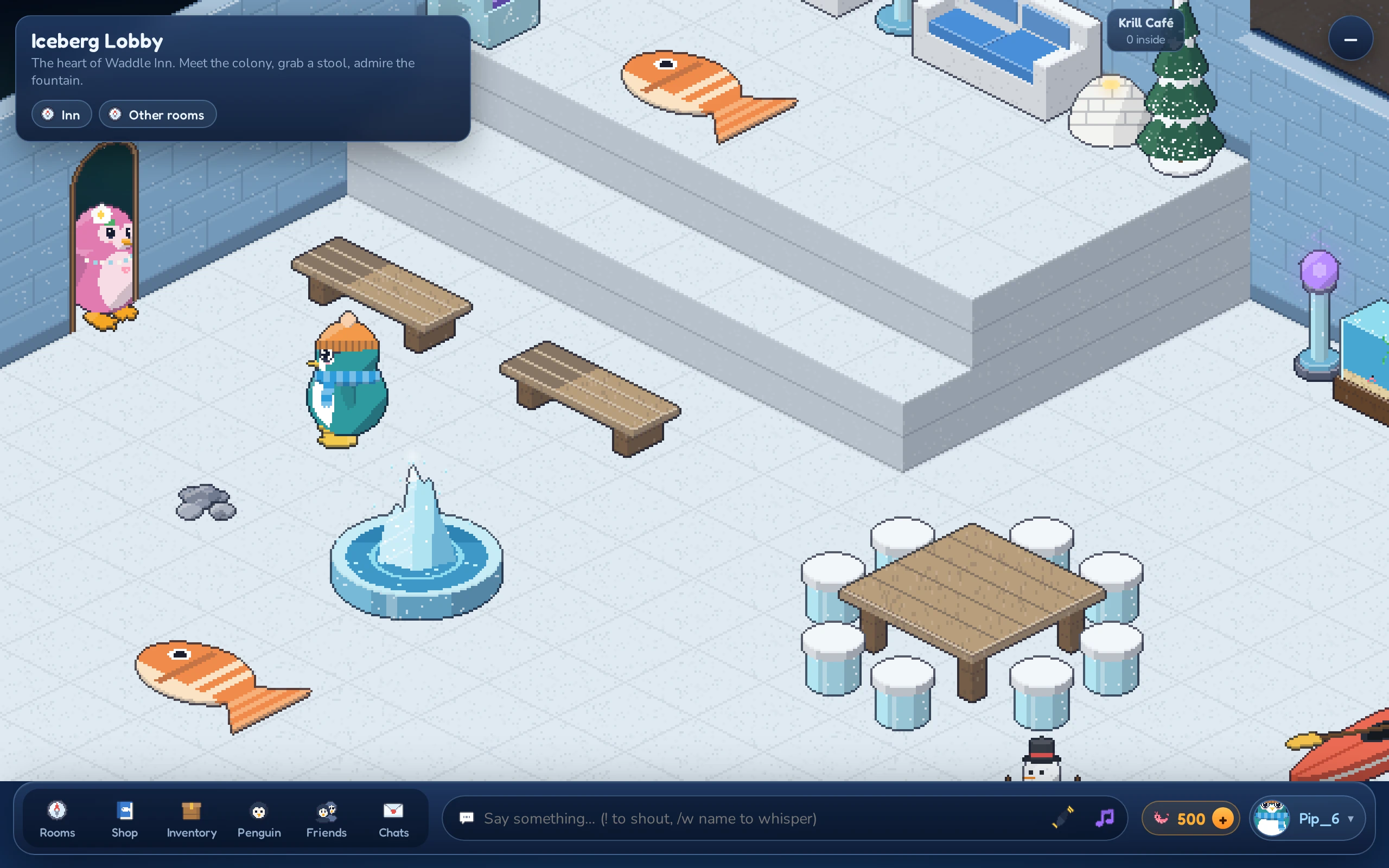
The room is shown from an angle, like a little model on your desk. You can change the view:
- Pan: press the mouse button on the room and drag to slide the view around.
- Zoom: turn the mouse wheel over the room to zoom in and out, or click the round + button in the top-right corner of the room to jump to a close-up (it turns into − to zoom back out).
Talking
Click the chat box at the bottom of the screen (it says Say something… (! to shout, /w name to whisper)), type your message and press Enter. Your words pop up in a bubble above your penguin’s head for everyone in the room to read. A message can be up to 100 characters long.

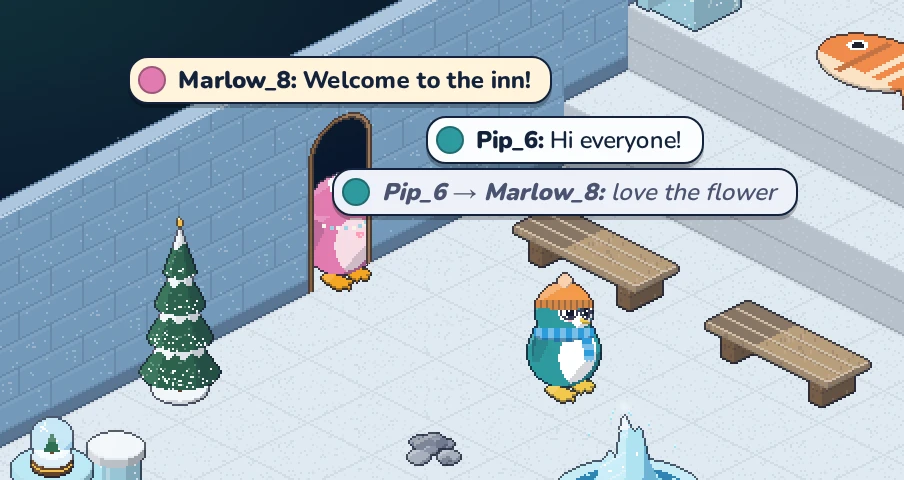
There are three ways to speak:
| You type | What happens |
|---|---|
Hi everyone! |
Say. A normal speech bubble that everyone in the room sees. |
!Welcome to the inn! |
Shout. Start your message with ! and it appears in a bold bubble so it stands out. The ! itself is not shown. |
/w Mika see you later |
Whisper. /w, a space, the penguin’s name and your message. Only that penguin (and you) see it, though the inn’s staff can read it in the room’s chat log like any chat. They must be in the same room. |
If you send many messages very quickly, the inn asks you to slow down for a moment.
Waving and dancing
Penguins love to show how they feel. Use the two buttons right next to the chat box:
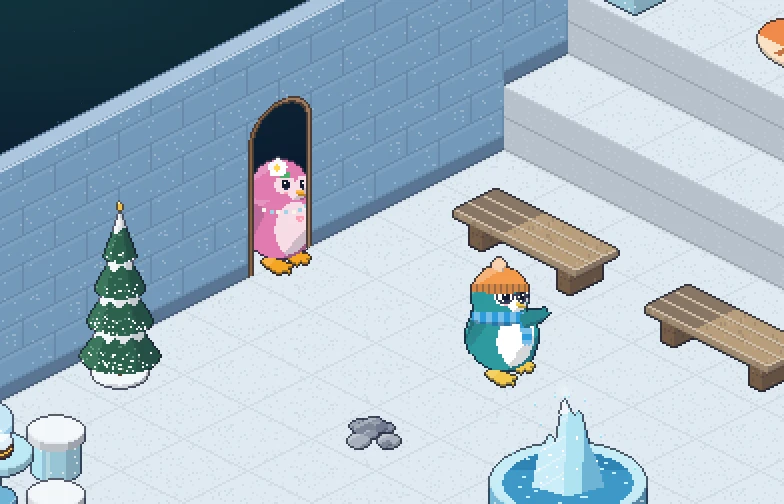
 Wave makes your penguin wave a flipper once.
 Dance starts dancing. Click it again to stop. Walking somewhere stops the dance as well.
You can also type these into the chat box:
| Type | Does |
|---|---|
:wave or o/ |
Wave |
:dance |
Start or stop dancing |
 Wave
Wave Dance
Dance Sit
SitMeeting other penguins
Click on another penguin to open their card. It shows their name, their look and their motto, plus a few buttons:
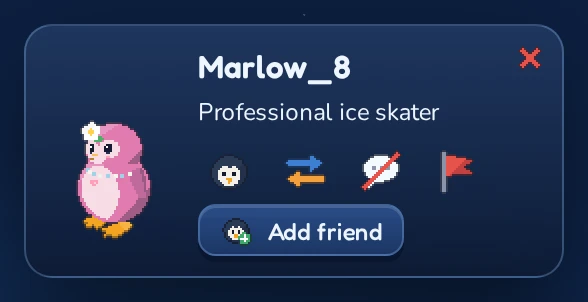
| Button | What it does |
|---|---|
 Profile Profile |
Opens their profile with their badges. See Profiles and badges. |
 Trade Trade |
Offers them a trade. See Trading. |
 Ignore Ignore |
Hides their chat from you. See Ignoring a penguin. |
 Report Report |
Reports them to the inn’s staff. See Reporting a penguin. |
 Add friend Add friend |
Sends a friend request. See Friends and messages. |
In your own rooms the card has a few more buttons for the owner: Give rights and  Moderate. See Your own rooms and Moderating your own rooms. Moderators and admins carry a Mod or Admin tag next to their name.
Click your own penguin to see your own card. Click the empty floor, or the  button, to close a card.