
The Shop and your inventory
Furniture, or furni as everyone at the inn calls it, is what turns an empty room into a home. You buy furni in the Shop, and everything you own but haven’t put in a room waits for you in your inventory.
Browsing the Shop
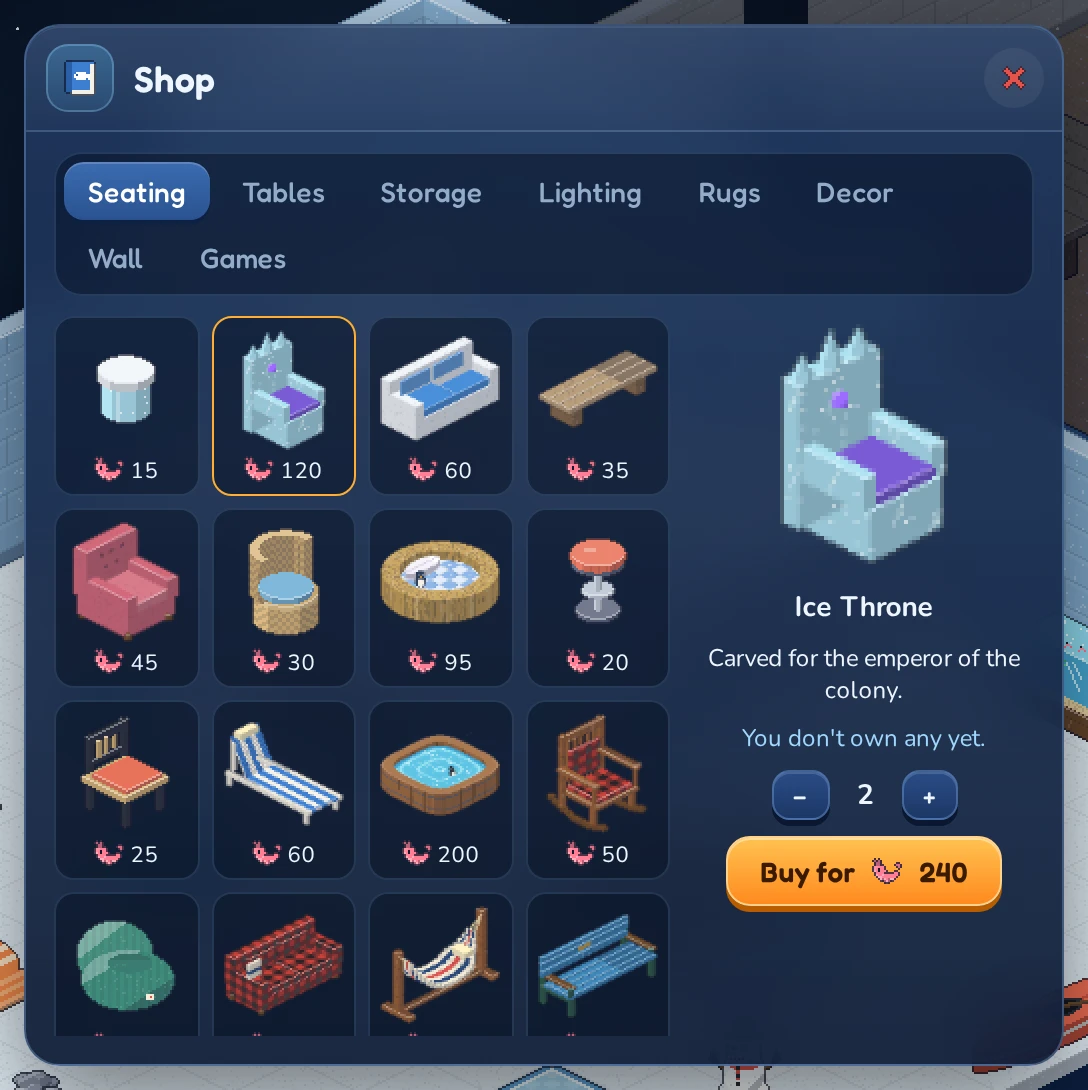
Click  Shop in the toolbar. The Shop is sorted into nine departments, shown as tabs across the top:
| Tab | For example |
|---|---|
| Seating | Ice Stool, Driftwood Bench, Snowdrift Sofa, Ice Throne, Hot Tub |
| Tables | Ice Table, Bistro Table, Writing Desk, Marble Bar Counter |
| Storage | Herring Crate, Fish Barrel, Walnut Bookshelf, Sunken Chest |
| Lighting | Igloo Lamp, Floor Lamp, Aurora Lamp, Campfire, Cozy Fireplace |
| Rugs | Frost Rug, Fish Rug, Braided Round Rug, Disco Floor Tile |
| Decor | Snowy Pine, Snow Globe, Krill Tank, Jukebox, Arcade Cabinet and much more |
| Wall | Emperor Portrait, Porthole, Wall Clock, Fish Trophy, Mug Shelf |
| Games | Fishing Hole, Snow Pile, Team Pads, Start Mat, Bingo Board, Quiz Puffin, Ice Die (see Mini-games) |
| Gear | Weapons, shields, helmets and armour for Moon Isle, with a filter by slot and level (see Moon Isle) |
During a seasonal event an extra tab with the season’s furni comes first.
Each tile shows the item and its price in  Krill. If you already own some, a number such as ×2 in the corner says how many. Click a tile to see it up close on the right, with its name, a short description and how many you own: You own 3: 1 in your inventory, 2 in rooms. Furni you’ve placed in a room still counts as yours.
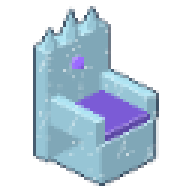 Ice Throne
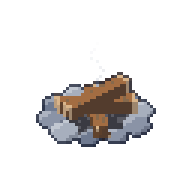 Campfire
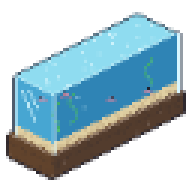 Krill Tank
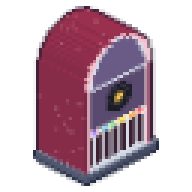 Jukebox
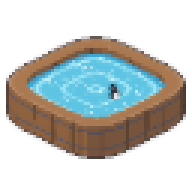 Hot Tub
Buying furni
- Pick a department tab and click the item you want.
- Use − and + to choose how many you’d like, from 1 to 10.
- Click Buy for price. The button shows the total for all of them.
The Krill is taken from your balance and the furni goes straight into your inventory, as long as you can carry it (see Carrying and your cabinet). The Shop confirms it under the button (Bought 2 × Campfire! It’s in your inventory.) and the count of what you own goes up. If you don’t have enough Krill, the button is greyed out and the Shop says Not enough Krill.
Your inventory
Click  Inventory in the toolbar to see everything your penguin carries: furni you own that isn’t placed in a room or put away in your cabinet, and your gear. Identical items are stacked into one tile, with a number such as ×2 showing how many you have.
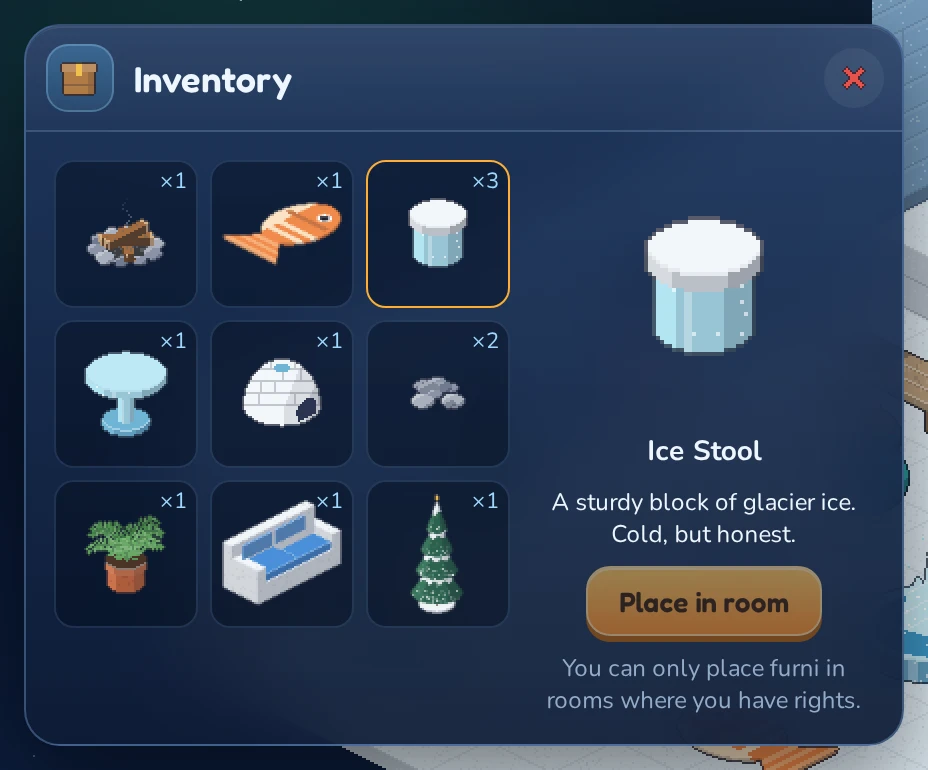
Click an item to see its details. From here you can put it into a room with Place in room. That button only works in a room where you’re allowed to build, which means your own rooms and rooms where the owner has given you rights. Anywhere else the inventory reminds you: You can only place furni in rooms where you have rights.
Gear has a few marks of its own. A tile with a piece you wear on Moon Isle says ✓ Worn, a broken piece is tagged Broken, and the thin bar at the bottom shows the condition of your most worn copy. Point at a gear tile (on a touch screen, press and hold it) to see its gear card, and click it for the details: the card, and if you have several copies, each one’s condition, the one you wear marked Worn. A piece you wear or a broken one can’t go into a room: the details say Worn now: take it off in the stats card to place it in a room. or Broken: have the blacksmith mend it before you place it. A spare copy in good shape can. Gear, wear and the blacksmith are explained in Moon Isle.
How placing works is explained in Building and decorating.
Carrying and your cabinet
Your penguin can carry 10 things at most. Every piece counts, furni too, except the gear you wear and NFT items. The inventory shows how full your flippers are: Carrying 3 of 10.
When your flippers are full, anything that would take you over 10 is refused: buying, crafting, picking up loot or your own furni, a trade or taking an offer down from the Grand Exchange. Put something away first.
Everything else waits in your cabinet. You have one cabinet, shared by all your rooms and your igloo, and it stands in each of them against a wall. Walk up to it and click it to open the Cabinet window: it shows what you are Carrying and what is In the cabinet. Click a thing to move it across, or shift-click to move all of that kind. Gear you wear stays on you: its tile is marked ✓ Worn, and only spare copies of it go into the cabinet. Other penguins can’t open your cabinet: to them it is locked.
A classic penguin’s cabinet holds 50 things; a LUNC Penguin’s has room for everything (see Wallets & NFTs). Furni that comes back to you without passing through your flippers, for example when someone picks up your furni from their room or a room of yours is deleted, goes into your cabinet even if that takes it past 50.
Where your furni can be
Every piece of furni you own is always in exactly one place:
- in your inventory, carried by your penguin,
- in your cabinet,
- placed in a room (yours, or one where you have rights),
- offered in an open trade (see Trading), or
- up for sale at the Grand Exchange (see Selling at a market stall).
Furni you place in someone else’s room still belongs to you. If you pick it up, it comes back to your inventory. If the room’s owner picks it up, or the room is deleted, it goes into your cabinet.