
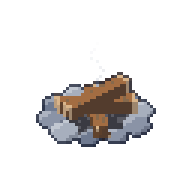
Building and decorating
This is where your room comes to life. You can place furni from your inventory, move it around, turn it, switch lamps on and off and put things away again. Everything here works in your own rooms and in rooms where the owner has given you rights.
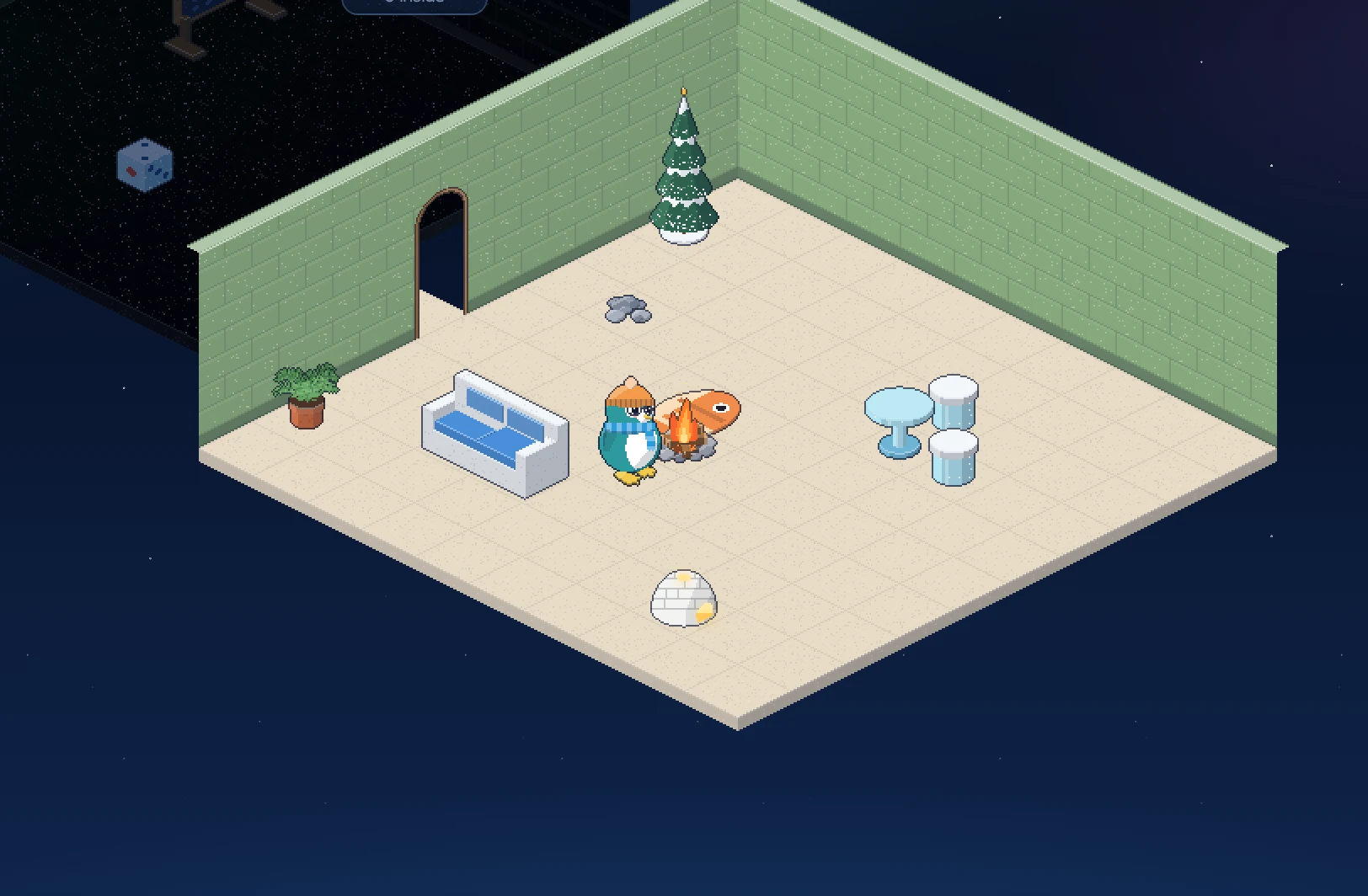
Placing furni
- Click
 Inventory in the toolbar.
 - Click the item you want to place, then click Place in room. The inventory closes.
- A see-through copy of the item now follows your mouse over the floor, and a bar at the top of the screen says Placing (item name): click a tile.
- Click the floor where the item should go.
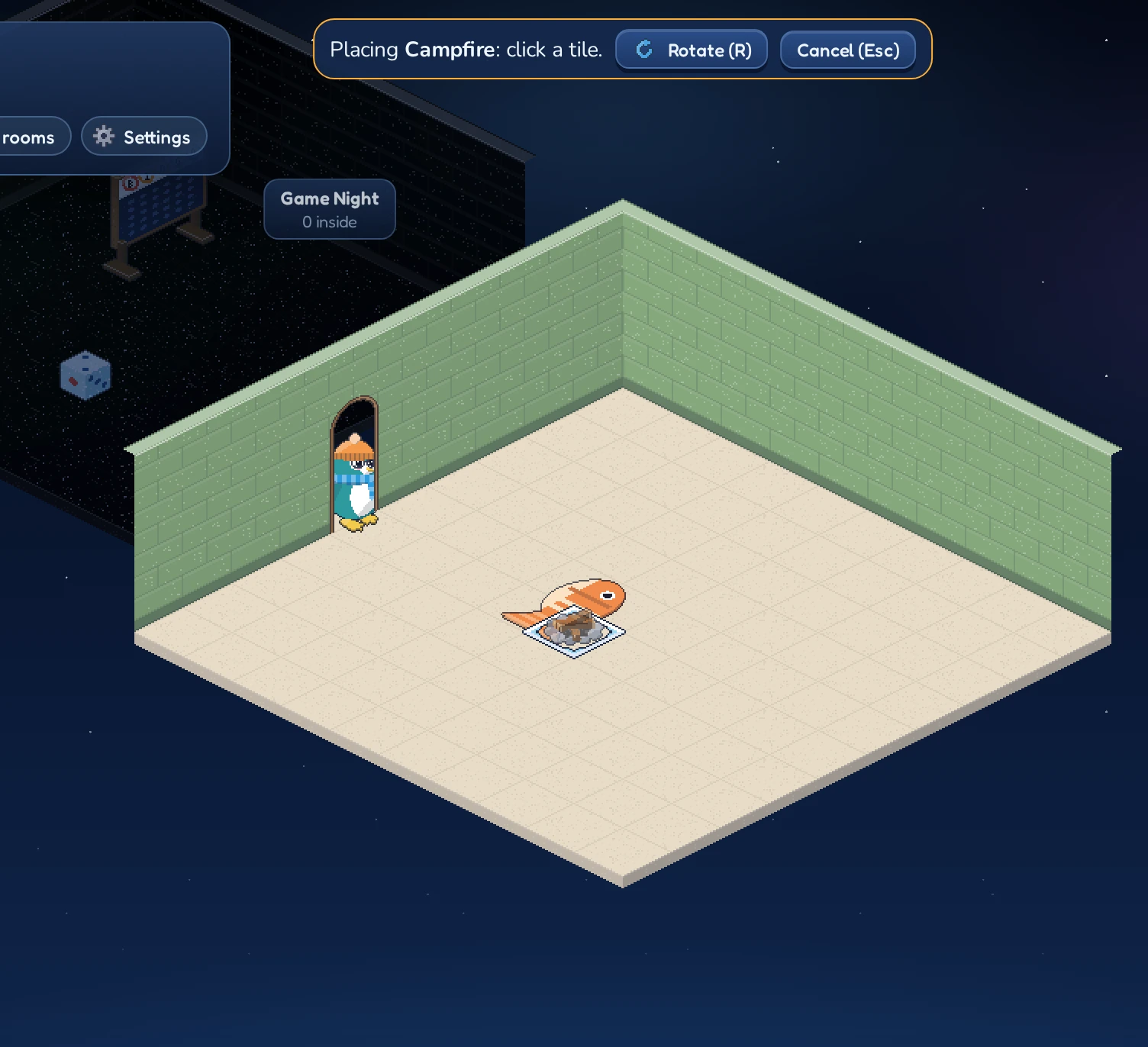
While you’re placing an item you can:
- press R or click
 Rotate ® to turn it before you put it down;
 - press Esc or click Cancel (Esc) to stop. The item stays in your inventory.
If the item doesn’t fit where you clicked, nothing is placed and a message tells you why:
| Message | Meaning |
|---|---|
| That does not fit there. | Part of the item would stick out of the room. |
| Keep the door free. | Nothing may be placed on the door tile, so everybody can get in. |
| The floor is not flat there. | The item would sit across a step. Find a level spot. |
| You cannot stack on that. | You can’t put things on top of that piece of furni. |
| It cannot be turned that way. | This item only faces certain directions. |
| That hangs on a wall. | Wall decorations go on a wall, not on the floor or the doorway. |
| Something already hangs there. | Another wall decoration is in the way. Move it up or down, or pick another spot. |
Hanging things on the walls
Pictures, clocks, shelves and other items from the Wall category of the shop hang on the walls instead of standing on the floor. While you place one, its see-through copy follows your mouse along the walls: point at the spot on the wall where it should hang, at the height you like, and click. It turns by itself to face the room, so there’s no need to rotate it. Wall decorations don’t take any floor space: you can put a sofa right underneath a painting.
Putting things on top of each other
Some furni has a flat top that other things can stand on: tables, counters, the Writing Desk, the Herring Crate and the Sunken Chest. Place an item on one of them and it sits on top. Rugs and floor tiles lie flat, so you can walk on them and put furni on them too.
A room can hold up to 300 pieces of furni.
Selecting furni
Click any piece of furni in the room to select it. A panel in the corner shows its name and description, and the buttons for what you may do with it here. Rotate, Move and Pick up only show where you’re allowed to build:

| Button | What it does |
|---|---|
| Rotate |
Turns the item to its next direction, right where it stands. Only shown if the item can face more than one way. |
 Move Move |
Picks the item up so you can put it somewhere else, just like placing. Press R to turn it on the way, Esc to leave it where it was. |
 Use Use |
Switches the item to its next state, for example a lamp from off to on. Only shown for items that do something. |
 Pick up Pick up |
Takes the item out of the room: into your inventory if it’s yours, otherwise into its owner’s cabinet. |
Click  or an empty spot outside the room to close the panel.
Using furni
Lots of furni does something when you use it: lamps and the campfire light up, chests and wardrobes open, the radio and the jukebox switch on, and the Aurora Lamp cycles through green, violet and teal. Its panel shows the current state, for example State: on.
To use an item, double-click it, or select it and click Use. Using furni needs build rights in the room, so visitors can admire your lamps but can’t switch them off. In the Inn’s public rooms it’s different: anyone signed in with a wallet can switch lamps, fireplaces, radios, the TV and the jukebox, open chests and fridges and draw curtains (one switch a second, please). Guests can look but not touch. Game furni, like the quiz host, stays with the staff.
The jukebox
The jukebox knows sixteen songs, from rock ‘n’ roll and doo-wop to reggae, polka, synthwave and a sea shanty. Double-click it, or select it and click  Songs, to open its song list. It shows what is playing; pick a song to play it on repeat, Shuffle all to play through every song, or Stop. Everyone in the room hears the same song. Visitors can look at the list, but only penguins with build rights can choose; in public rooms, anyone signed in with a wallet can.
The DJ booth, the retro radio and the karaoke microphone play their own music when switched on. The DJ booth mixes a set of ten dance records, from disco and house to techno, trance, eurodance, drum and bass and dembow, about ten minutes before it starts over. If a room has more than one switched on, only one plays, the same everywhere in the room: a song picked on a jukebox comes first, then the DJ booth, a shuffling jukebox, the karaoke microphone and the radio.
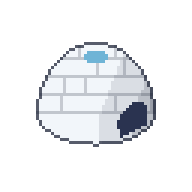 Igloo Lamp
 Aurora Lamp
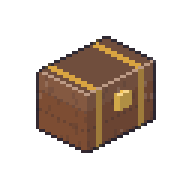 Sunken Chest
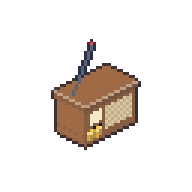 Retro Radio
 Cozy Fireplace
Seats and walkable furni
Furni changes how penguins can move through the room. Most items block the tiles they stand on, so penguins walk around them. Seats can be sat on: click one and your penguin sits down. Rugs and floor tiles can be walked over.
If you pick up a seat while someone is sitting on it, they simply stand back up.
A room in five minutes
Here’s a quick recipe for your first room. It costs 310 Krill, so it fits easily into your starting Krill:
- Create a room with the Lounge layout and a warm floor color.
- Buy a Fish Rug, a Snowdrift Sofa, an Ice Table, two Ice Stools, a Campfire and an Igloo Lamp.
- Lay the rug in the middle of the room, then place the table on it.
- Put the sofa and the stools around the table, turning them with R so they face it.
- Add the campfire nearby and the lamp in a corner, then double-click both to light them up.
- Finish with a Snowy Pine and a Potted Fern by the walls.